
Experimentation and Tech Walkthrough
Updated: Jun 5
Equipment used


Magazine Ad Editing
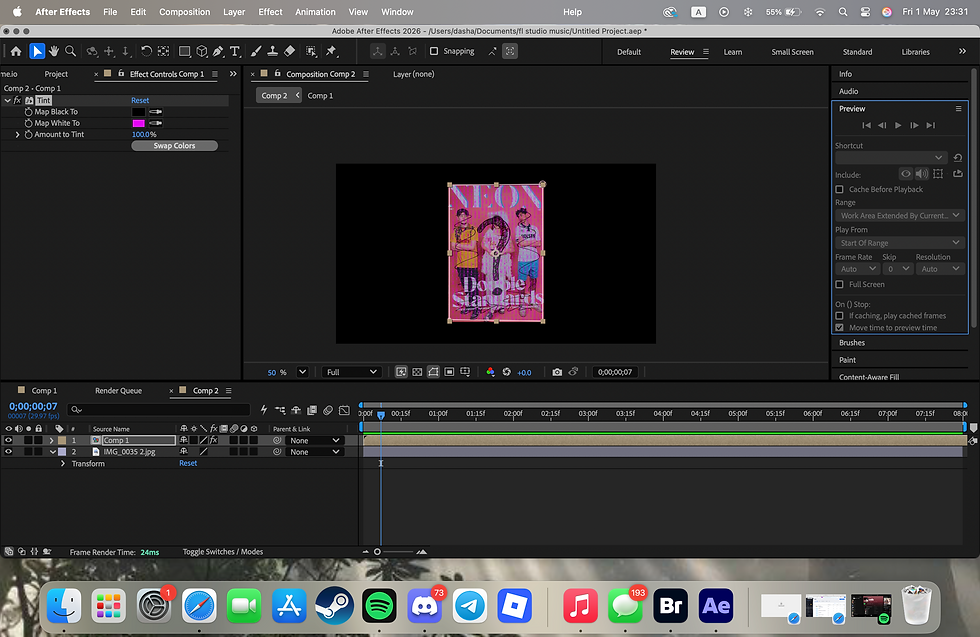
I used Adobe After Effects to edit magazine advert.
I followed a tutorial on Digits from Youtube.


Video editing
Adobe Premier Pro


While editing video, I faced a problem of computer replacing old audio files wih new ones and therefore deleting old ones. I had no choice but to keep the bad quality audio from the actual footage as audio from the mics couldn't be returned.
I also used fading out effects at the end of each clip in the video, as it gave better transition between video footage.
I added some lower-third templates which were already in Adobe Premier to make my video look more clear.

To make my video more interesting, i added intro and outro.
Intro and outro were edited in cap cut.
For intro, as a background I used a video which I edited myself recently using TouchDesigner.

As for the text, I added it in CapCut using their own typing templates. Also, for intro, I added keyboard typing sound, as the template looks like its being typed out on the keyboard and then a girl in the video is also typing on the keyboard.
For the Outro, I also used CapCut, but here I decided to make Bloopers as my outro to the video. I did this because it would not only be engaging but also its fun to see that not everything turns out how you want it from the first try.
InDesign Editing:
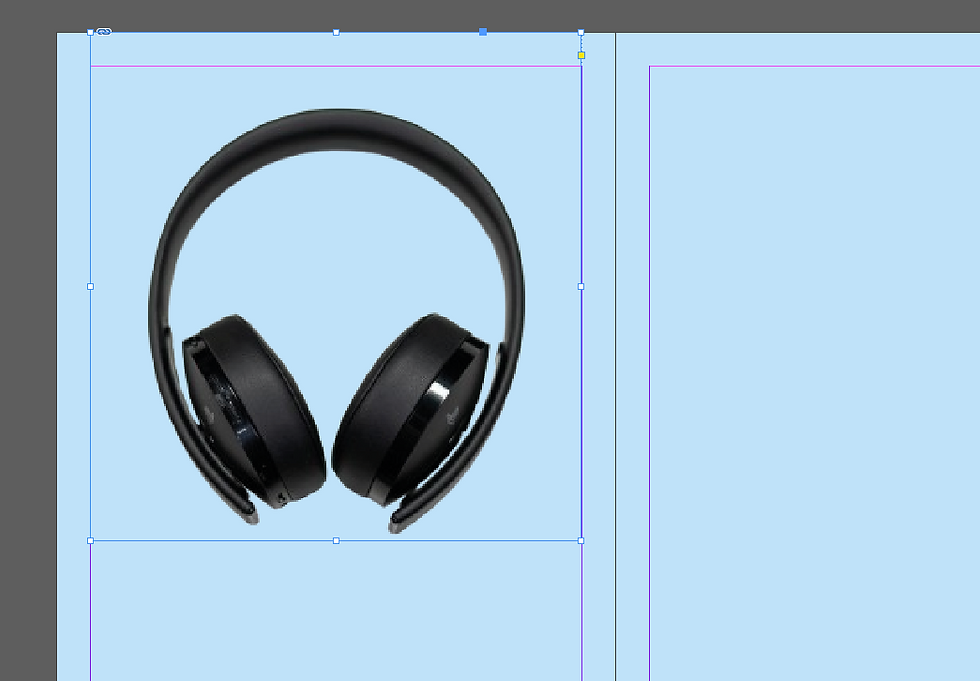
I decided to use headphones as the main picture for my InDesign, as my topic is related to music.
Also, I used blue background not only for the aesthetics but also because many people relate AI to a blue colour.

To make Title look interesting, I decided to wrap it around the outside of headphones.
I used yellow/orange as a font colour to make it standout more as blue and yeallo/orange embrace each other.

To not leave my second page blank (no pics), I decided to use some pics of a phone playing music and wired heaphones.


Comments